









Troubleshooting Steps
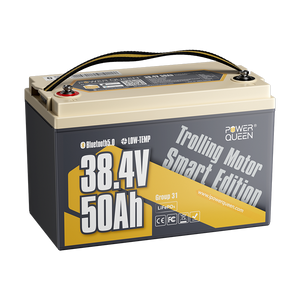
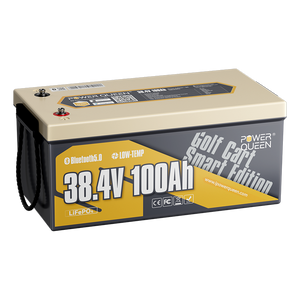
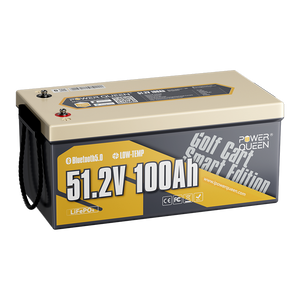
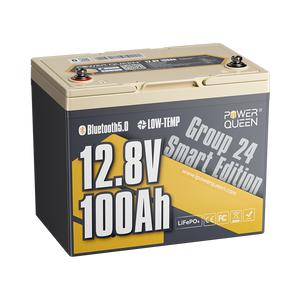
Step-by-Step Troubleshooting Guide for ASIN B0F4R47C17
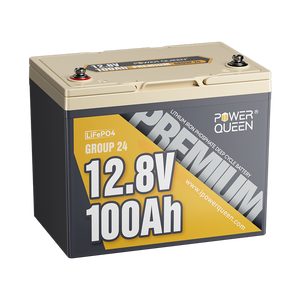
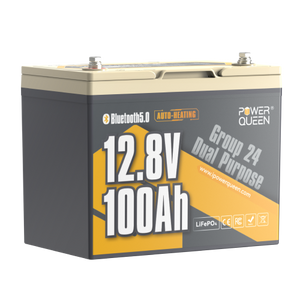
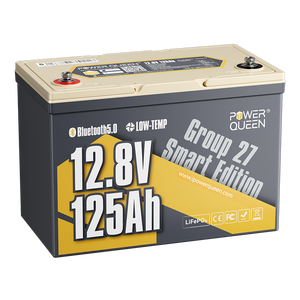
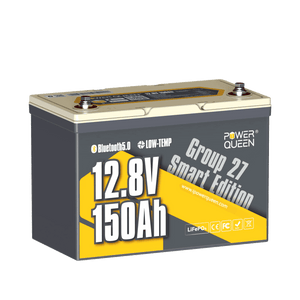
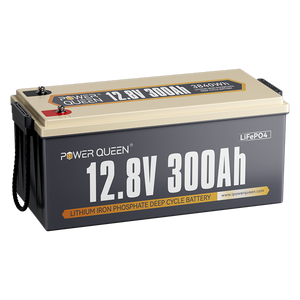
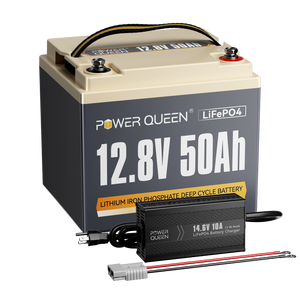
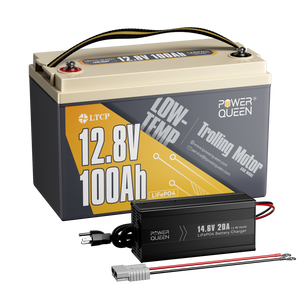
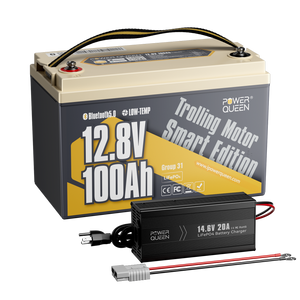
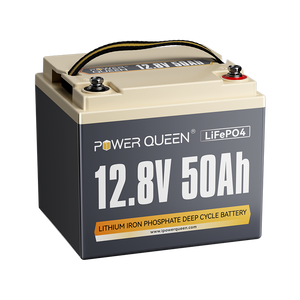
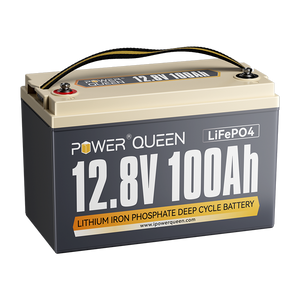
If your PowerQueen LiFePO4 battery appears to have no power output, it is likely that the built-in Battery Management System (BMS) has entered a protective lockout mode due to the voltage dropping too low (e.g., below 9.5V). Please follow the steps below to attempt to reactivate it.
Before You Begin:
Ensure you are in a safe, dry environment.
Disconnect the battery from all devices and chargers.
-
Cut off all the connections and leave the battery aside for 30 minutes. Please check the battery afterward to see whether it will recover on its own.
-
If this method does not work, please kindly try the following two ways to re-activate the battery:
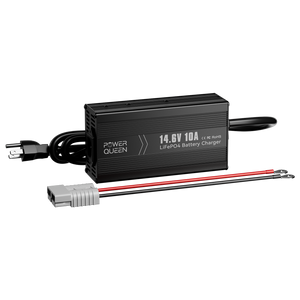
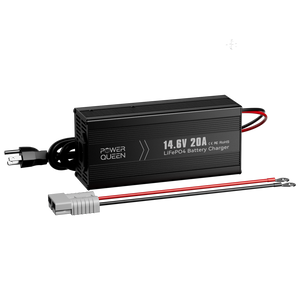
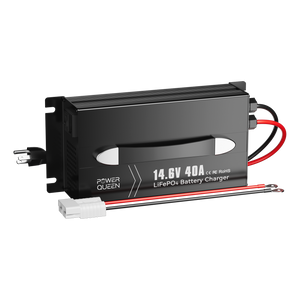
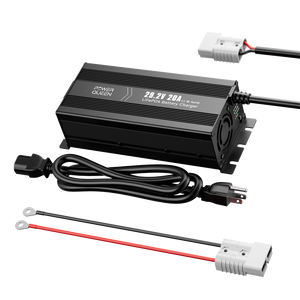
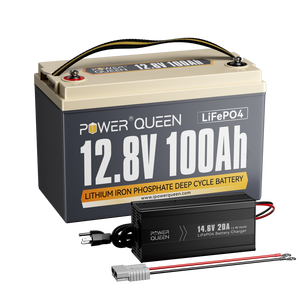
Method 1: Use a 0V charging function LiFePO4 charger to fully charge the battery;
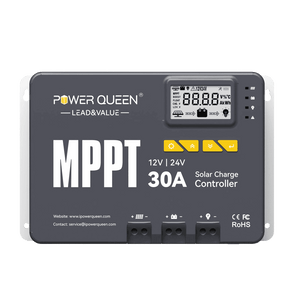
Method 2: Connect an 18-36V solar panel and controller to charge the battery for 3-10 seconds during sunny daytime.