









Troubleshooting Guide
Step-by-Step Troubleshooting Guide for ASIN B0CLRY5J2N
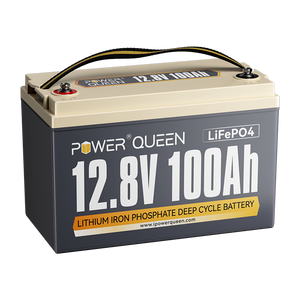
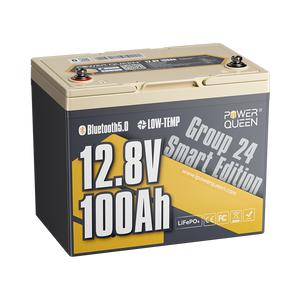
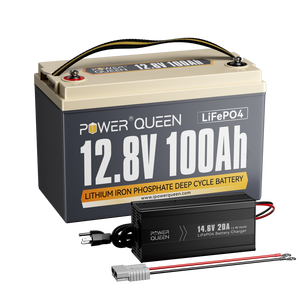
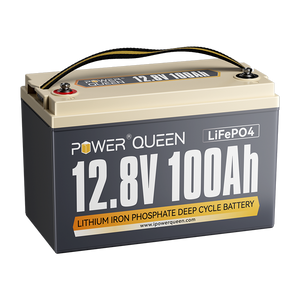
To assist with resolving any common issues related to the 12V 100Ah LiFePO4 Batteries (ASIN: B0CLRY5J2N), please follow the detailed troubleshooting steps below. These steps are designed to help identify and address typical problems.
Please perform the following checks on the battery that is not functioning correctly:
1.Check All Connections
Ensure that all connections between the battery and the connected devices (such as the charger, inverter, controller, and load) are secure, properly aligned, and fully inserted. Loose or improperly connected terminals can lead to insufficient charging or malfunctioning.
2.Individual Battery Charging
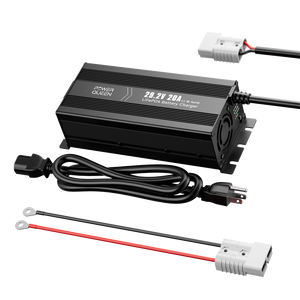
As charging current of the customer's charger is 15A,so charge the problematic battery individually (without connecting it to the other battery or devices) for at least 7 hours. During this time, monitor the charger indicator light to verify whether it turns on and whether the battery reaches full charge. This ensures the battery is capable of charging on its own.
3.Full Power Cycle
If possible, fully discharge the problematic battery by using it in your device until it powers off. Afterward, perform a complete, uninterrupted charge cycle, ensuring the battery is charged to its full capacity. This can help reset the battery’s internal circuitry.
4.Voltage Testing
Use a multimeter to measure the battery’s voltage and correlate it to the State of Charge (SOC). This method provides more accurate data and helps assess whether the battery is charging properly and holding a charge.